How to Clean a Printer Transfer Belt and Decide Whether to Replace It
Learn how to clean a printer transfer belt, inspect its surface and decide when cleaning may help or replacement and model confirmation are needed.
ZHUHAI IMEDA TECHNOLOGY CO., LTD. supports overseas distributors, wholesalers, cartridge remanufacturers and printer or copier service companies with model confirmation, mixed-order checking, packing, inspection and shipment follow-up before quotation.
When transfer belt cleaning may help
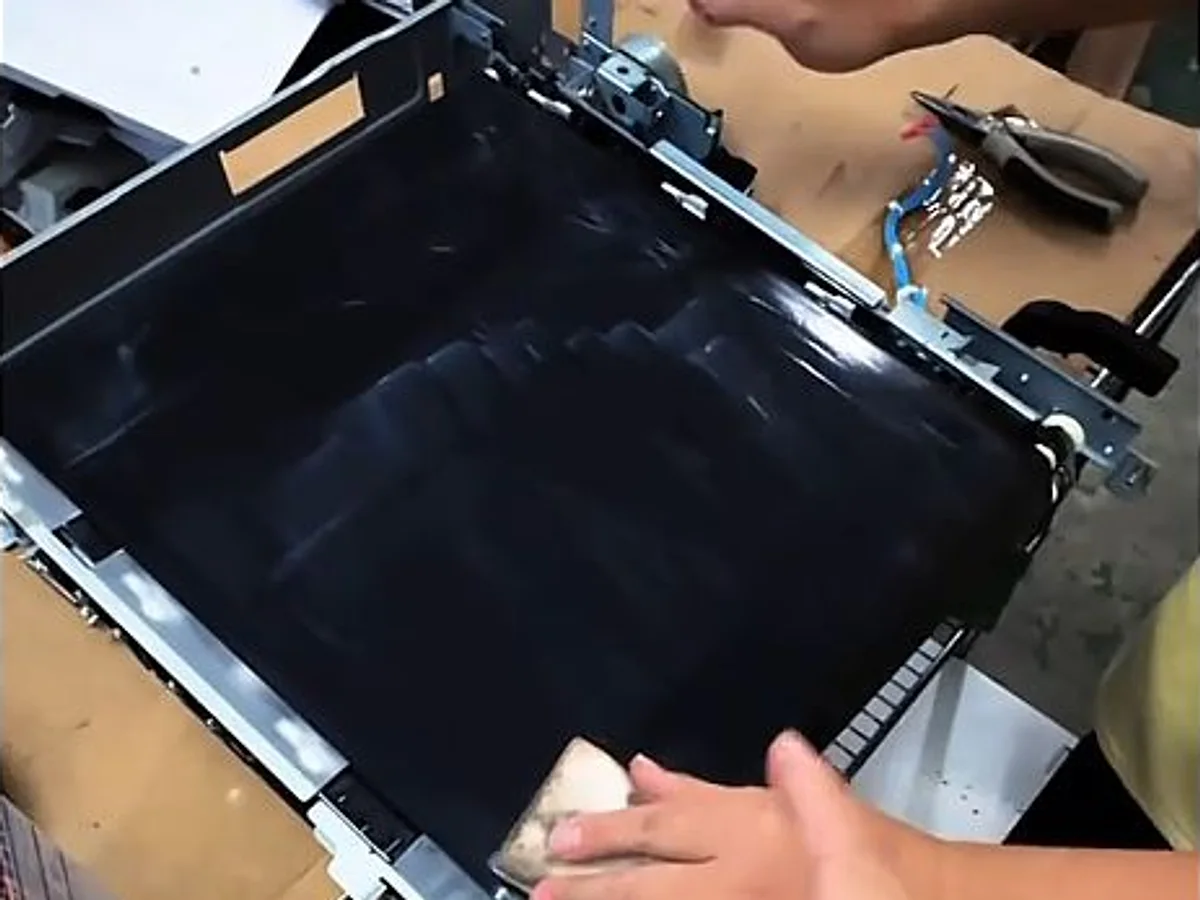
Cleaning is a reasonable first inspection step when the belt is structurally intact and the visible problem appears to be loose toner, paper dust or removable surface contamination.
- Power down the machine and follow the model-specific service procedure
- Use a clean soft lint-free material and avoid abrasive tools
- Inspect for scratches, cuts, peeling, deformation and edge damage
Clean, diagnose or replace
Cleaning removes contamination but cannot restore damaged belt material. If the defect remains, compare the belt, drums, developer units and related imaging parts before ordering a replacement.
- Confirm belt only versus complete transfer belt unit
- Send the complete machine model and visible reference code
- Use clear belt, assembly and print-defect photos for checking
MOQ, branding and lead time
IMEDA does not apply one universal MOQ to every item. One-piece sample orders are available for many toner cartridge, drum-unit and chip models. Small pickup rollers and similar low-value parts commonly start from five sets. Final quantity is confirmed by product and order combination.
Products can use neutral packing, IMEDA branding or customer-requested branding when the product, quantity, artwork and packing plan allow it. Normal lead time is one to seven working days after the model and order details are confirmed, depending on stock and quantity.
How IMEDA confirms the requested product
Send the exact printer or copier model, cartridge or OEM code, target country, quantity and clear product photos when available. For toner chips, include the cartridge code, region and firmware information. For rollers and small spare parts, show both ends, gear side and installation position.
- Compatibility references identify the intended machine family and do not imply affiliation with the original brand owner.
- Supply and quality options are confirmed by exact model, application and target-market requirement.
- Models not listed online can be checked manually from a machine label, old-part photo or parts list.
Related product categories
OPC drums, drum units, compatible toner cartridges, toner chips, fuser film sleeves, printer and copier rollers, and mixed copier spare parts.